Have you ever heard someone say that their mantra is to always be recommending? I love that idea. Information is part of what makes the world go round.
To wit, here’s what I use to make 2 types of unique images that I share on The Spectacled Bean. I’m often asked about where I get my images, so here you go.
~ ~ 🌟 ~ ~
WHEN I TURN PERSONAL PHOTOS INTO ART I use a free app called Waterlogue. It’s on my phone, ezpz to use, and offers a variety of looks. Here’s an example of a before and after image.
First I took a photo with my phone. This is that photo.

Then I used the app choosing one of their filters, in this case the Illustrator, to make my photo look snazzy. This is the after.

As you can see the app has taken a so-so photo and turned it into a bombdiggity blog-worthy picture.
~ ~ 🌟 ~ ~
WHEN I CREATE IMAGES WITH TEXT I use Canva on my desktop computer [or here for your phone]. It’s a graphic design website [or an app for your phone] featuring a variety of free templates, many pre-sized for any social media you might use.
First I picked a template. This is the before.

Then I did a fast little rewrite using the first movie quote that came to mind, thus creating something clever and unique. This is the after.

In this example I did a color change & resized the font but there were many free and $$$ options I could have used to make this image even more amazeballs.
~ ~ 🌟 ~ ~
I hope that this information is of some value to you.
If you know of other ways to create blog post images [preferably free] please recommend them in the comments below.
And on that note, with nothing more to say here, I shall wish all of you Happy Blogging.
 AS YOU MAY RECALL when last we met I was distraught about what I believed to be the demise of my precious desktop computer, Cora.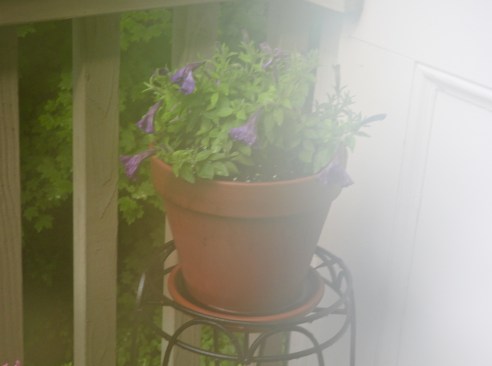
 THE SPECTACLED BEAN